Automation
Let the repetitive steps run themselves, and keep every inquiry moving
We map the jobs you repeat every day, such as logging inquiries, sending reminders or moving orders along, and turn the predictable parts into workflows you can check.
Who it fits
- Owners who copy inquiries from forms, DMs and email into a notebook or sheet
- Businesses where follow-ups and booking requests are answered late or forgotten
- Shops with order steps that are done by hand every time
- Anyone who wants an alert on their phone when something needs action
How it is priced: Custom project quote
What it solves
- 01
Inquiries live in too many places
Requests arrive by form, email and messages. Nobody has the full list, so some wait for days.
- 02
Follow-ups depend on memory
A quote goes out and nobody checks back. Without a reminder, interested customers move on.
- 03
The same steps, by hand, every day
Copying details, sending confirmations and updating a sheet takes time and invites small mistakes.
What you get
- A map of the repetitive jobs worth automating, and the ones that are not
- Agreed workflows, built with tools such as n8n, Notion, Google Sheets, Telegram or email
- Inquiry records with a status, a person responsible and a next step
- Alerts to your phone or email when something needs action
- Reminders for follow-ups, bookings or renewals
- Failure handling: errors are logged and you are told when a step fails
- Testing with sample data before real customers are involved
- Short documentation and a handover walkthrough
What you provide
- A walkthrough of how the job is done today
- Access to the tools involved, by invitation, in your name
- The rules: who is notified, what counts as urgent, when to follow up
- Sample records to test with, without real customer details
- One person who decides when a rule is unclear
Real work: one of Allam's own projects
BirAddım: rule-based repricing for marketplace sellers
A platform for marketplace sellers in Azerbaijan. Its Market tool reprices a seller's listings one step below the cheapest competitor and never goes under the minimum price the seller set.
- 1Seller sets a minimum price for each listing
- 2Tool compares the listing with the cheapest competing offer
- 3Price moves one step below that offer
- 4The price never goes under the seller's minimum
Related work
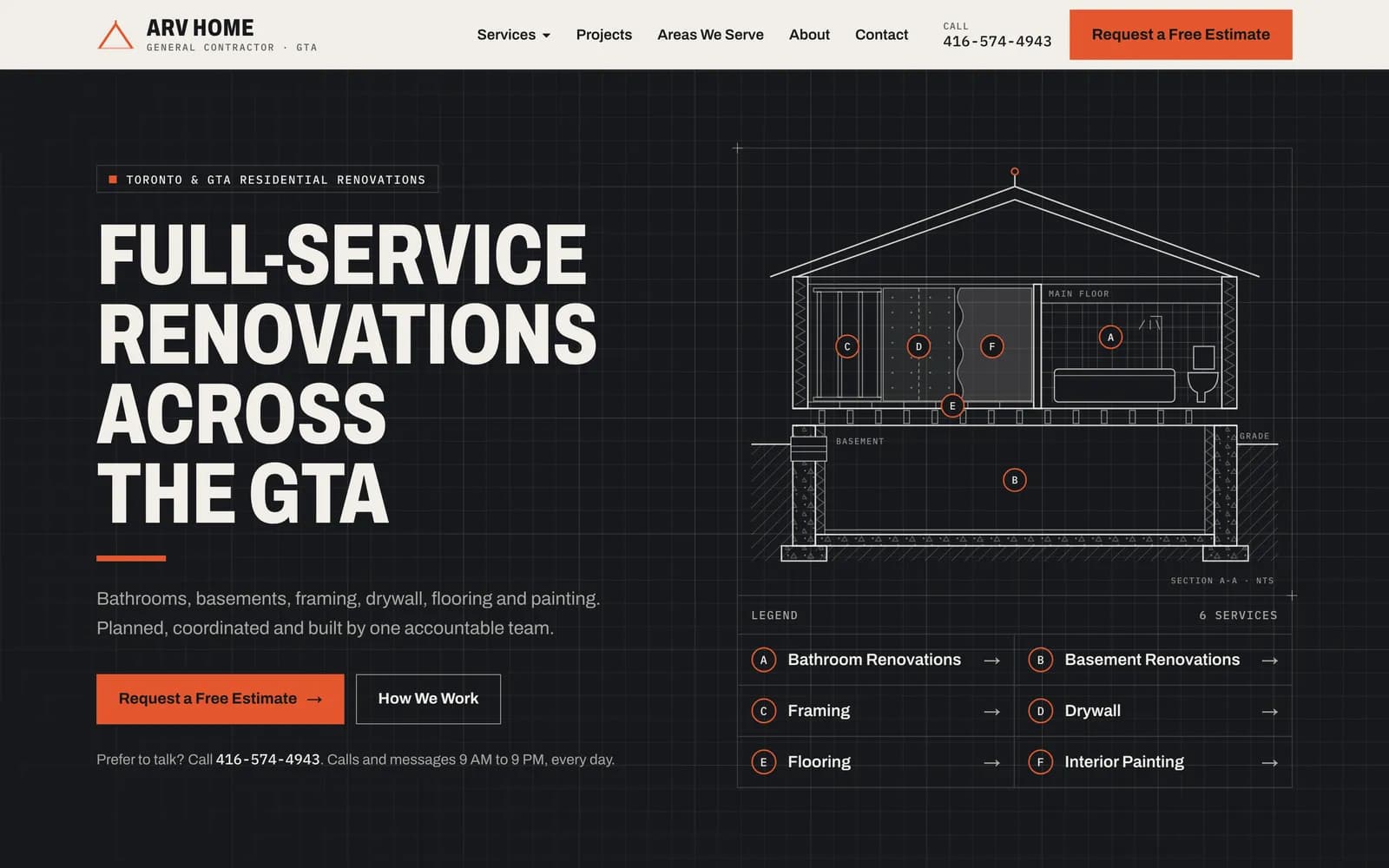 Allam's own projectLive
ARV HOME
Lead-generation website · Renovation company
The website I built and run for ARV HOME, a general contractor in Toronto and the GTA. It is built around one goal: turning visits into estimate requests.
Read the case study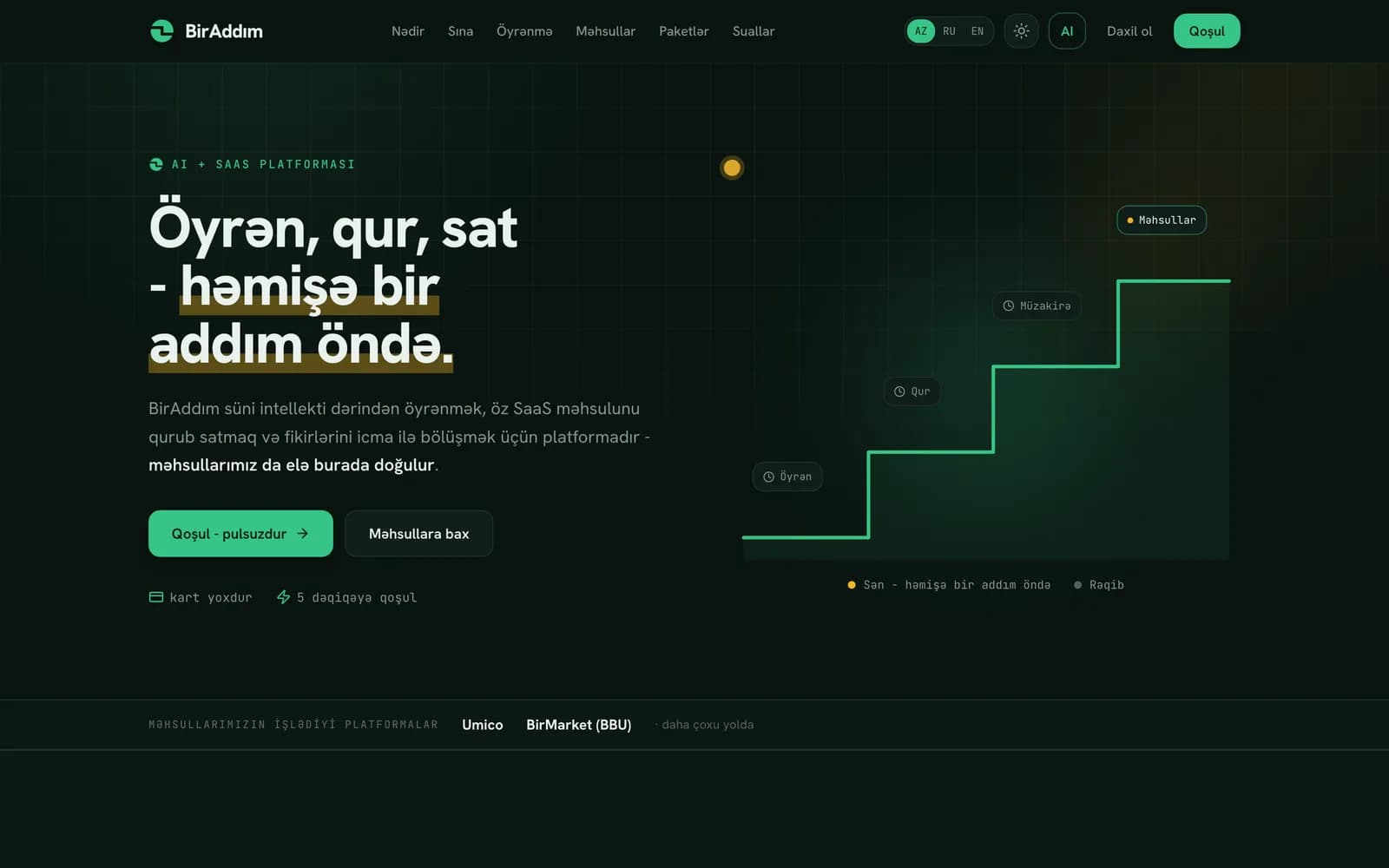 Allam's own projectLive, in development
BirAddım
Platform · Online sellers in Azerbaijan
A platform for marketplace sellers in Azerbaijan. Its working tool, Market, reprices listings on Umico and BirMarket: one step below the cheapest competitor, never under the seller's minimum price.
Read the case study
How it runs
- 01
Map the work
We walk through how inquiries, bookings or orders move today and mark the steps that repeat.
- 02
Confirm access
We check that your tools allow the connections a workflow needs (their APIs) before anything is quoted.
- 03
Agree in writing
The written scope lists each workflow, what starts it, what it does and what happens if a step fails.
- 04
Build and test
We build with sample data and go through normal cases and failures with you before switching anything on.
- 05
Launch and hand over
We switch the workflows on, check the first real runs and give you short notes on how each one works.
How it is priced
Custom project quote
Each project is quoted after we map the work. The number of workflows and integrations, how failures are handled, the volume and any support you want drive the price. Payment and cancellation terms are set out in the written quote.
Always separate from our fee
- Tool and software subscriptions, such as Notion, Google Workspace or n8n hosting
- Meta's per-message charges for official WhatsApp Business messaging
- Email or other sending costs from your providers
- Third-party software licences
Limits and exclusions
- No bulk or unsolicited messaging, and no scraping of other websites
- Not every system can be connected; access and APIs are confirmed at scoping
- No access to your personal WhatsApp conversations
- Outages of third-party tools are outside our control; workflows alert you on failure
- Ongoing support and changes are optional and agreed separately
Industries this fits
Questions
01What does a simple workflow look like?
An illustrative example, not a client project: an inquiry is received, a record is created in your sheet or Notion, you are notified on Telegram or by email, and a next action is assigned with a date.
02Can you automate WhatsApp?
A click-to-chat link is free and simply opens a chat with you. Sending messages from a system needs the official WhatsApp Business Platform: Meta's approval, approved templates, customer opt-in and per-message charges from Meta.
03Which tools do you use?
Often n8n, Notion, Google Sheets, Telegram and email, but these are examples. We prefer the tools you already use when they allow the connection we need.
04Can you connect every system we have?
Not always. Some systems offer no way for other tools to connect, or limit it. We confirm what can be connected before quoting and say plainly if something can't.
05Who owns the workflows and the data?
Your data stays in your accounts. The workflows and notes agreed for handover are delivered once the project is paid in full. Software stays under its own licence. Editable source files and portfolio use are each listed separately in the quote.
Doing the same steps by hand every day?
Answer six short questions. Tell us which job repeats most, and we reply with next steps.